The pop-art photo app for iPhone & Android
Every photo.
In pop art.
A normal photo scrolls past. A pop-art grid makes people stop. PopArt Studio makes that switch with one tap — 15 styles, live on your phone.

- Free to start
- No sign-up
- Editing on your device
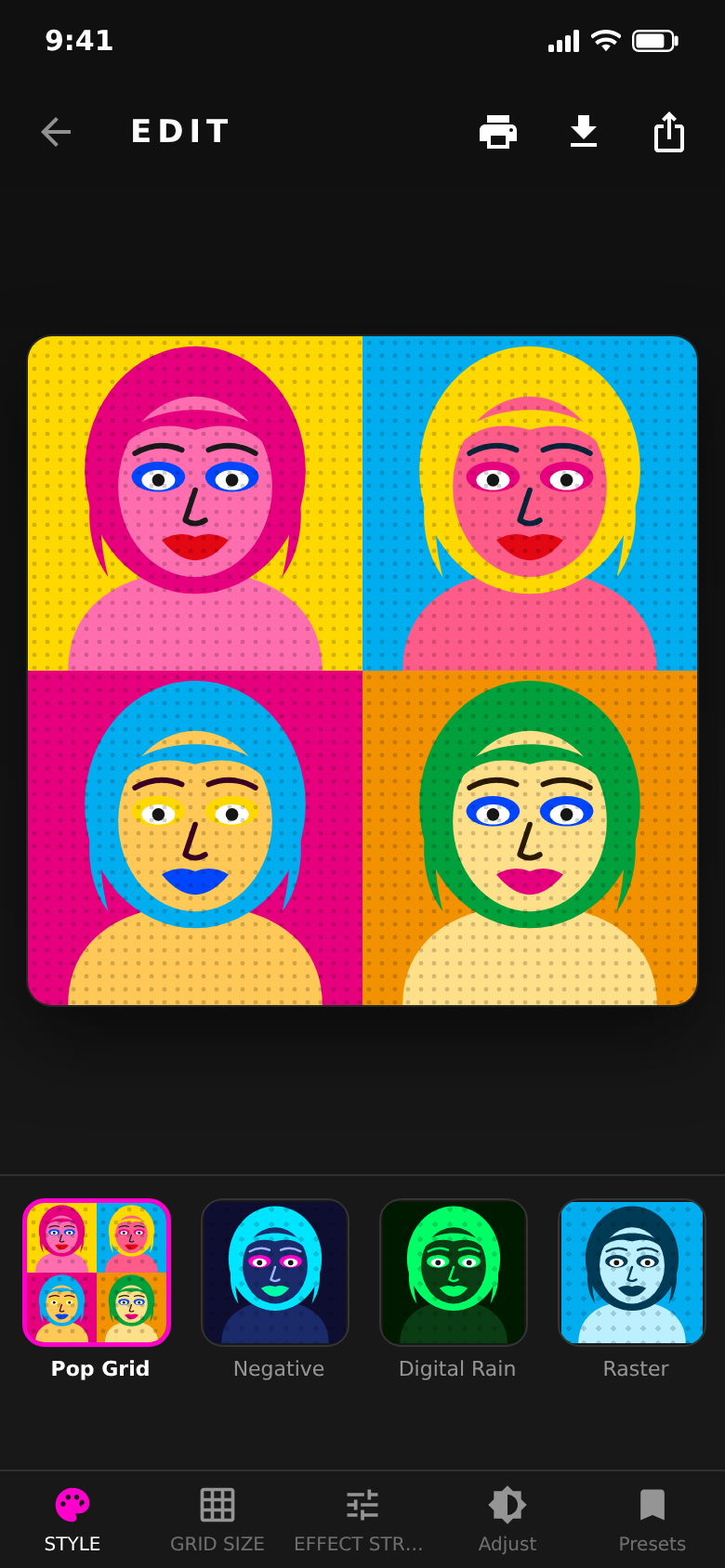
Four tiles, four colour pairs — that is the pop-art grid.
15 styles
One photo. Fifteen looks.
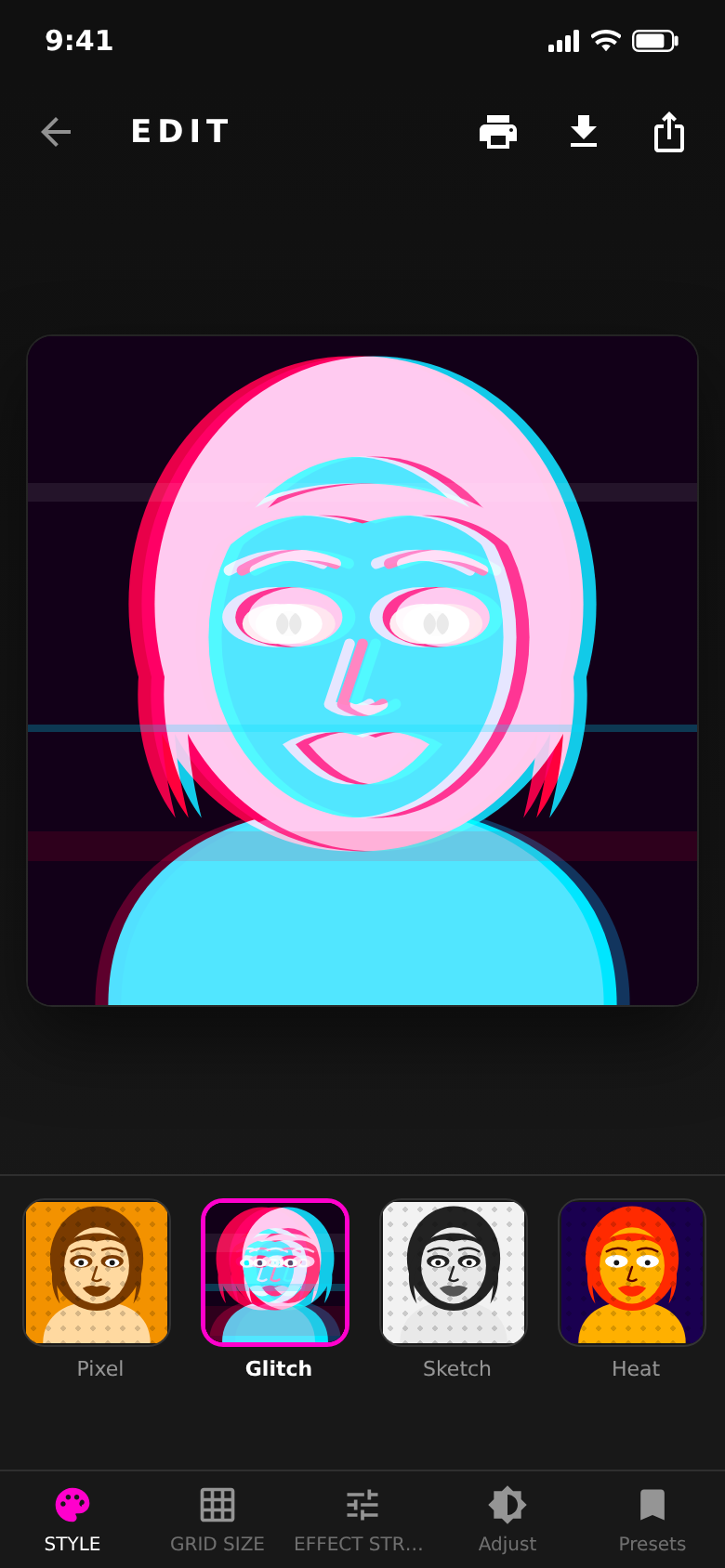
Pop Grid, Negative, Digital Rain, Raster, Pixel, Glitch, Sketch, Heat, Tiles, Neon, Poster, Duotone, Sepia, Comic and Oil — every tap changes the picture right away.
The small previews already show your own photo in each style, so you pick by looking. Press and hold the picture to see the original again.
Live control
Not a filter. A workbench.
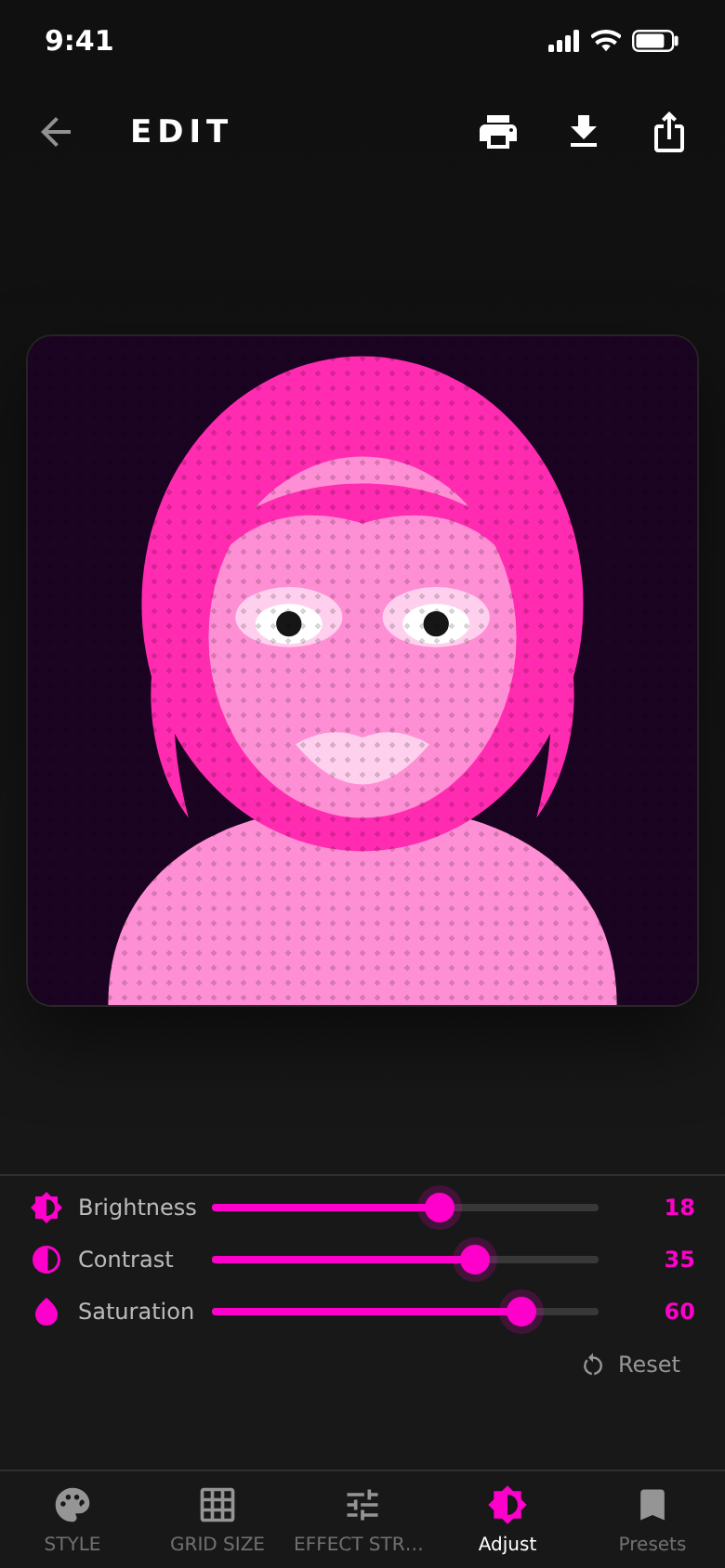
Brightness, contrast and saturation follow your finger while you drag. Nothing renders in the background, nothing keeps you waiting.
Effect strength has its own slider — from a light hint to a hard poster look. One tap resets everything.
A photo shows what was there.
Pop art shows how loud it was.
PopArt Studio puts that difference one tap away.
Grid & format
From one portrait to a whole wall.
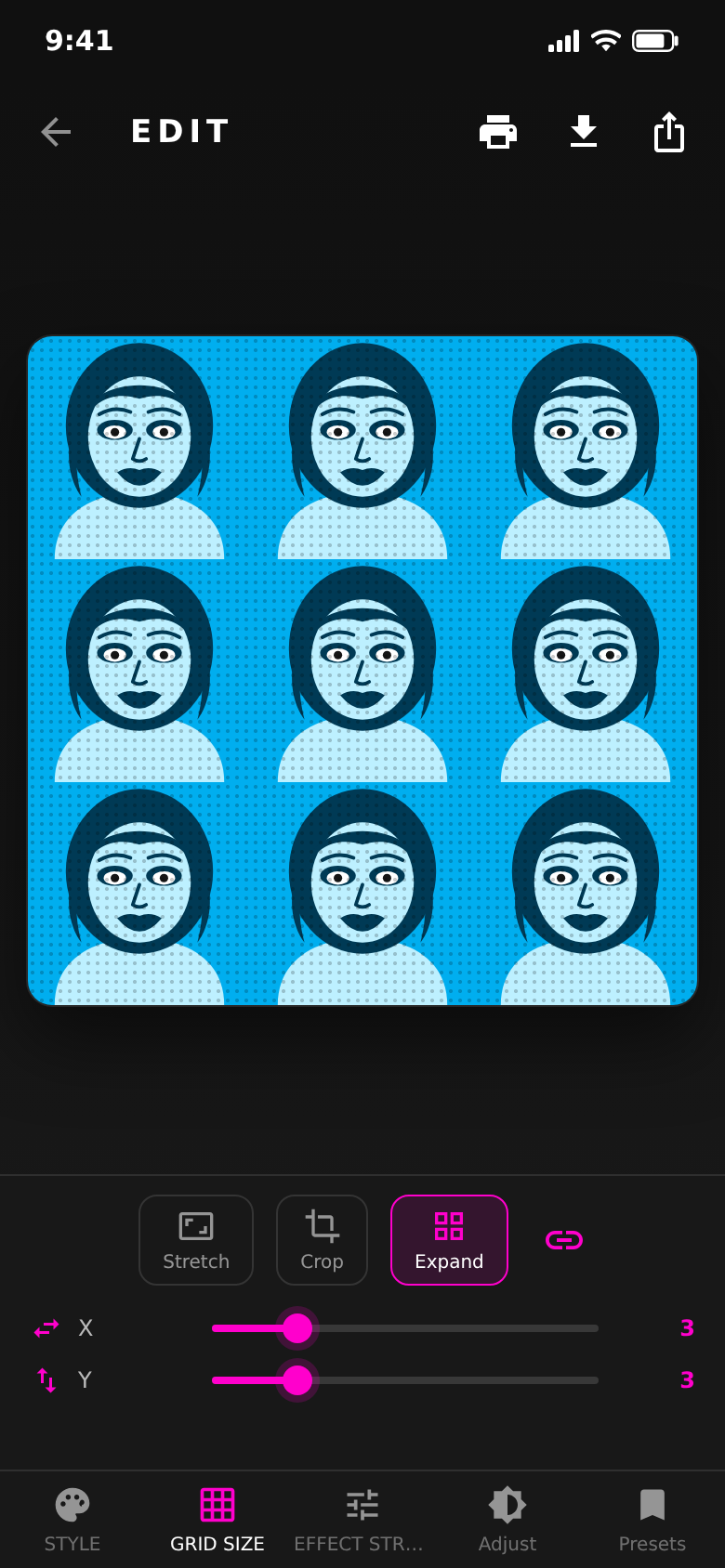
Expand repeats the picture as a 2×2 pop-art grid or a 3×3 pattern. Distort and crop bring it into the format you need.
Grid size sets how fine the halftone dots sit in the image.
Presets
Your look, saved.
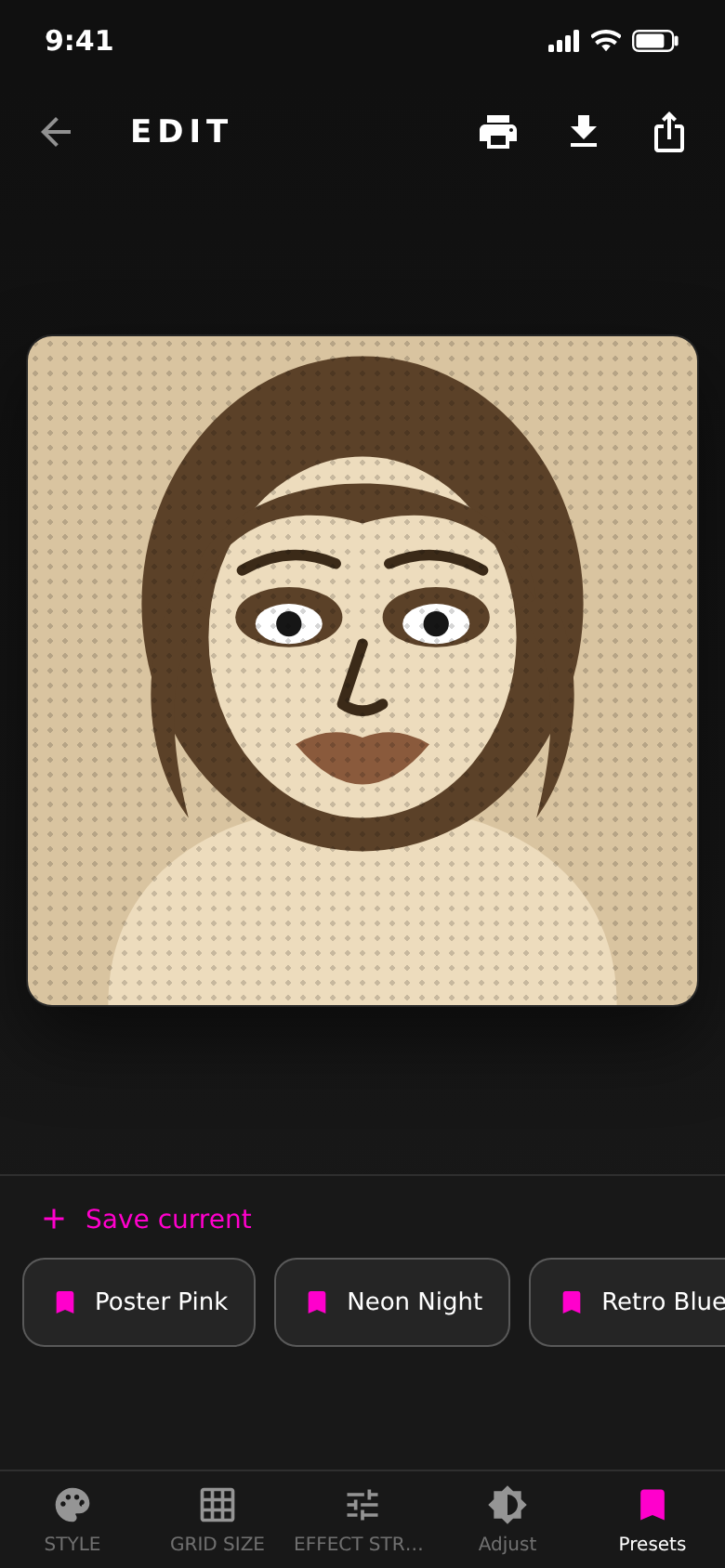
Found a combination that works? Save it as a preset and put the same look on the next photo with one tap.
Presets are stored on your phone — no account, nothing to sync.
The difference
Pop art without the photo editor.
- An hour of layers in a photo editorOne tap, 15 styles, live on the phone
- A filter you can only switch on or offBrightness, contrast, saturation, grid and effect strength
- A screenshot far too small to printExport up to 8K, around 7680 pixels
- Hunting for a print shop for the resultPoster, canvas or acrylic ordered inside the app
- Uploading your photos to some web toolThe editing itself happens on your device
One photo, fifteen looks.
Every style renders live on your phone — tap it and see it straight away.
And a lot more.
Gallery or camera
Start from a photo you already have, or take a new one right in the app.
Export up to 8K
Standard, 4K (about 3840 px) or 8K (about 7680 px) — save to your gallery or share it straight away.
Order as a print
Turn the artwork into a poster, a canvas or premium acrylic glass, produced and shipped by a print partner.
10 languages
English, German, Spanish, French, Italian, Portuguese, Russian, Japanese, Chinese and Korean.
Ad-free with Pro
Pro removes the ads and the watermark. Available monthly, yearly or as a one-time purchase.
Nothing to sign up for
No account, no email, no profile. Open the app, pick a photo, start.
Quick questions.
Who is PopArt Studio for?
What does PopArt Studio cost?
How does PopArt Studio make money?
Do my photos leave the phone?
Do I need an account?
Is there a watermark?
Which devices are supported?
Which languages does the app speak?
Get PopArt Studio.
Pick a photo, tap a style, save it. Under a minute.
Free to start · iPhone & Android.